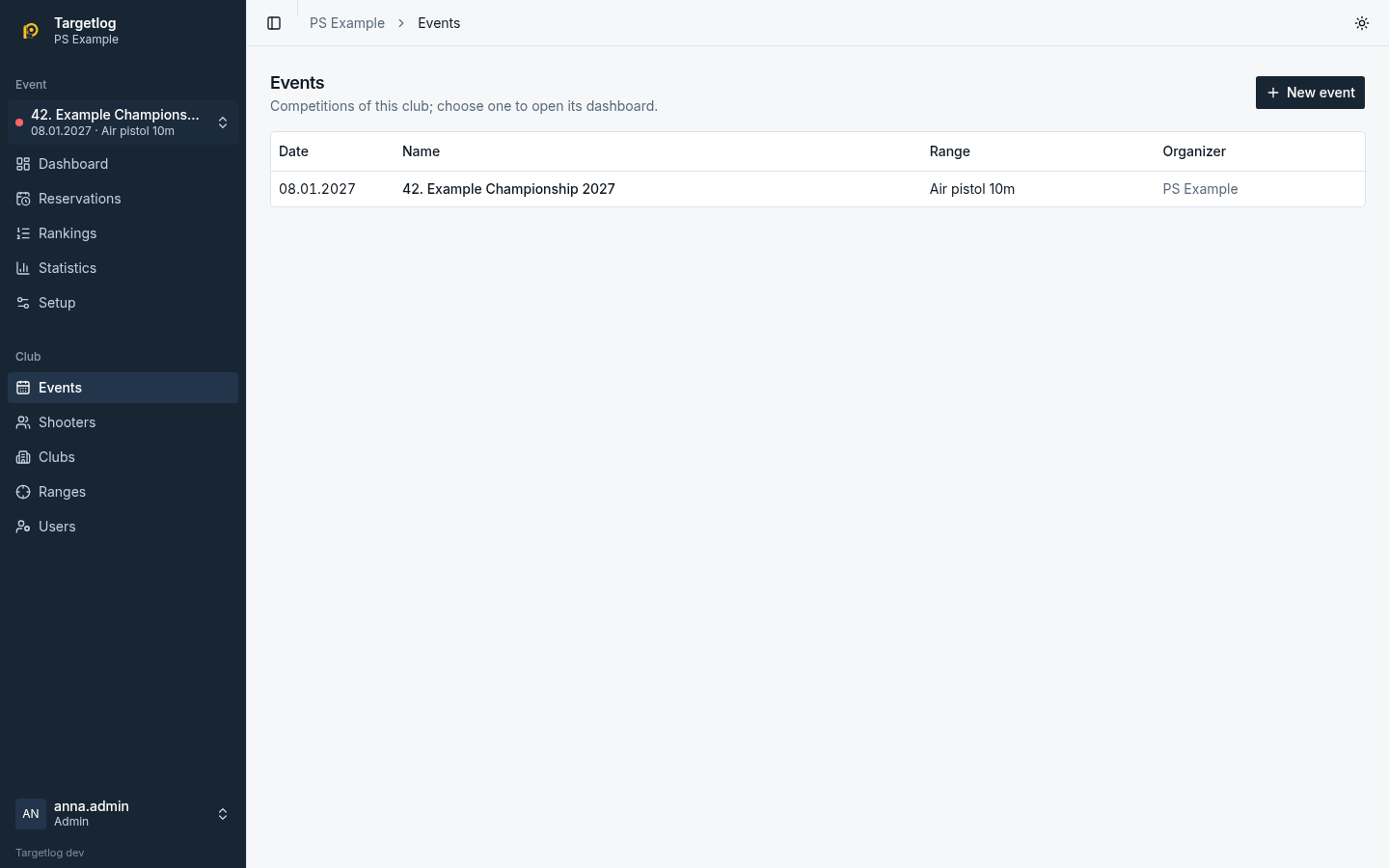
Events
Events lists the events of the club, newest first; admins create new ones there. Each event has a dashboard, reservations, rankings, statistics and setup in the sidebar; the event switcher at the top of the sidebar changes between events.
Settings
In the event's Setup (admins):
| Setting | Meaning |
|---|---|
| Name, Date, Range | the date decides the age categories |
| Organizer | printed on documents |
| Language of documents and kiosk | language of PDFs, CSV exports and kiosk screens, independent of each user's interface language |
| Club excluded from the club competition | usually the host club; listed as out of competition |
| Show lane status on the rankings | kiosk screens show the lanes |
| Print the award value on wreath cards | value in figures and words on the card |
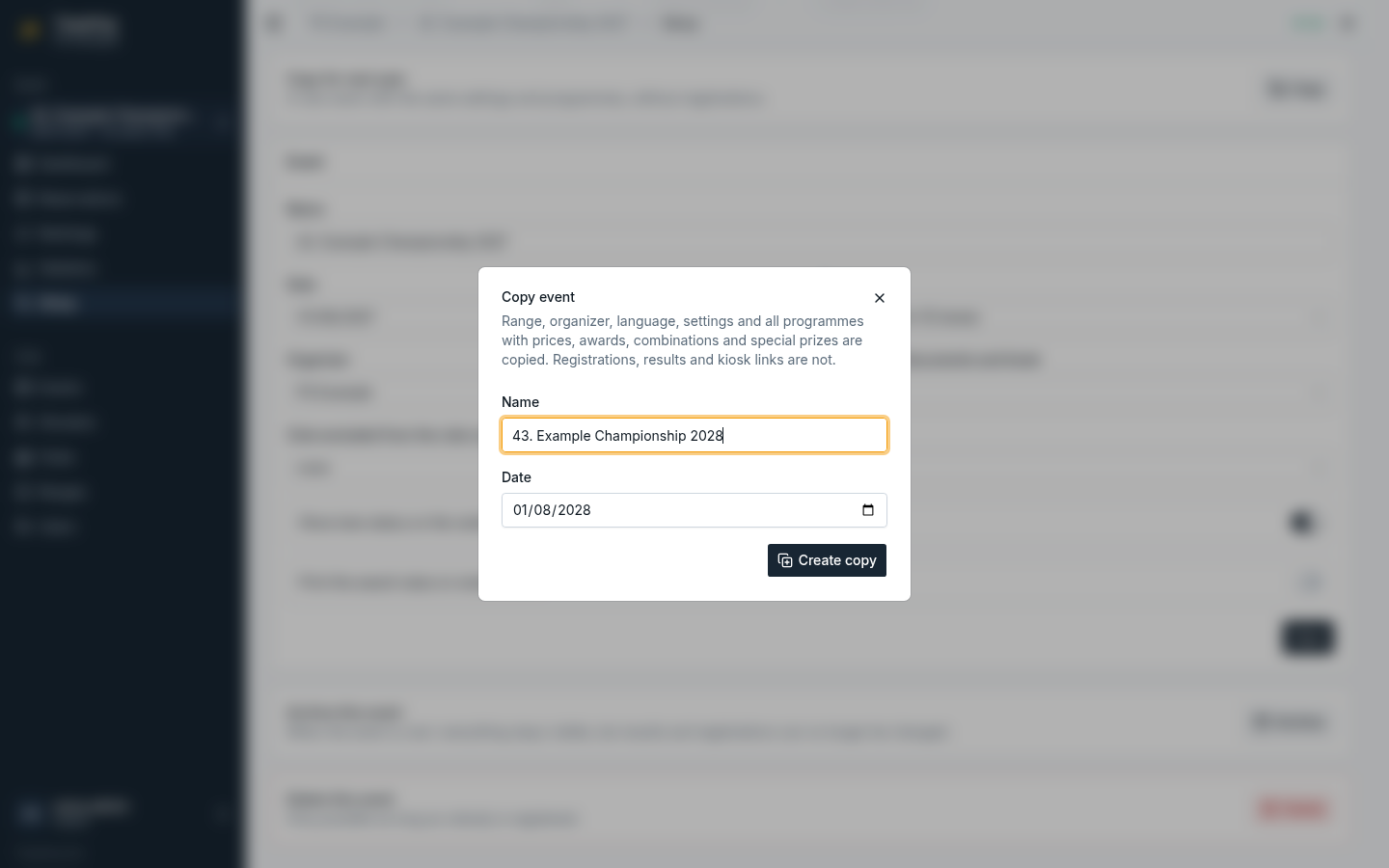
Copy for next year
Copy for next year creates a new event with the same range, organizer, language, settings and all programmes, including prices, awards, combinations and special prizes. Registrations, results and kiosk links are not copied. The dialog suggests the name with the year (and a leading number like 42.) counted up and the date one year later; adjust both as needed.
Archive
When an event is over, Archive it: everything stays visible (dashboard, results, rankings, reports, documents), but registrations, results, awards, programmes and settings can no longer be changed. A banner on every page of the event says so. Unarchive makes it editable again. Copying an archived event for next year works.
Delete
An event can be deleted only while nobody is registered for it.