Users
Users (admins only) lists the accounts with access to the club and their role.
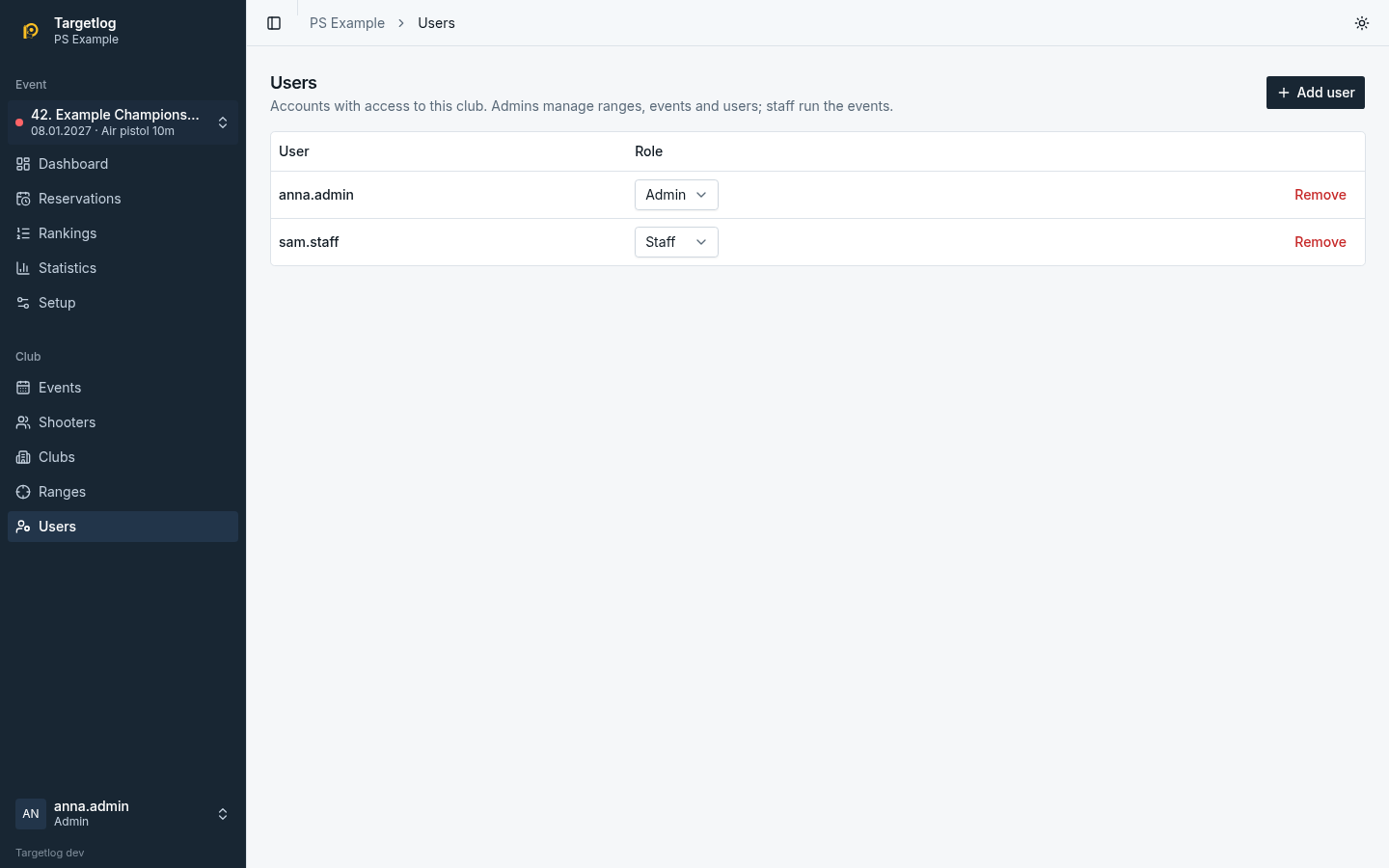
- Add user: an existing account is added by its user name; for a new account also enter a password (at least 10 characters).
- Role: Admin manages ranges, events, programmes and users; Staff runs the events (see Concepts).
- Remove takes away the access to this club; the account itself stays and keeps its other clubs.
Accounts are global: deleting an account or resetting a forgotten password is done by the platform operator in the admin panel.