Login and language
Logging in
Log in with the user name and password you received from your club admin or the platform operator. There is no self-registration and no password reset by e-mail: ask the operator to set a new password in the admin panel.
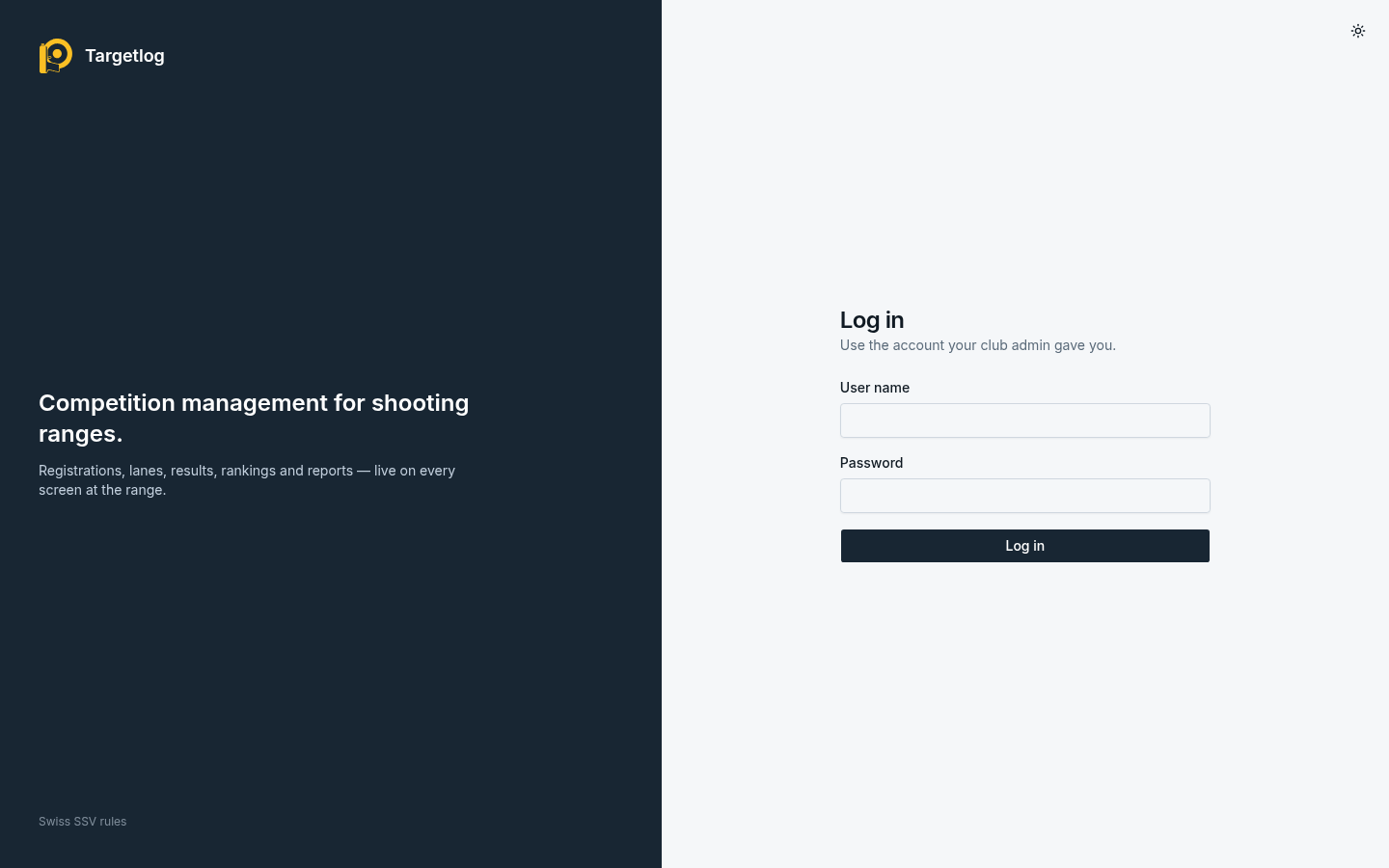
A login stays valid for seven days of inactivity and at most 30 days. After too many failed attempts, logins from the same address are blocked for a while.
If your account belongs to several clubs, you choose the club after logging in; Switch club in the user menu goes back to that choice.
Language
The interface is available in English, German, French and Italian. Without a choice, Targetlog follows the browser's language. Language in the user menu (bottom of the sidebar) sets it for your account on every device.
Printed documents, CSV exports and kiosk screens do not follow your choice but the language of the event, so that every printout of an event looks the same (see Events).
Version
The bottom of the sidebar shows the version of the server, which helps when reporting a problem.