Printing
Targetlog renders all documents as PDF:
| Document | Format | When |
|---|---|---|
| Lane sheet | A5 | at registration, with QR code and programme barcodes |
| Control strip | label 90 × 29 mm | at registration, stuck on the target card |
| Result sheet | A5 | when all programmes have results |
| Wreath card | A6, printed onto pre-printed cards | after choosing a wreath card award |
| Ranking | A4 | from the rankings page |
Every Print button prints on the range's printer if one is set up and its print agent is online; otherwise the PDF opens in the browser and can be printed from there.
Setting up printers
Ranges → Printing (admins):
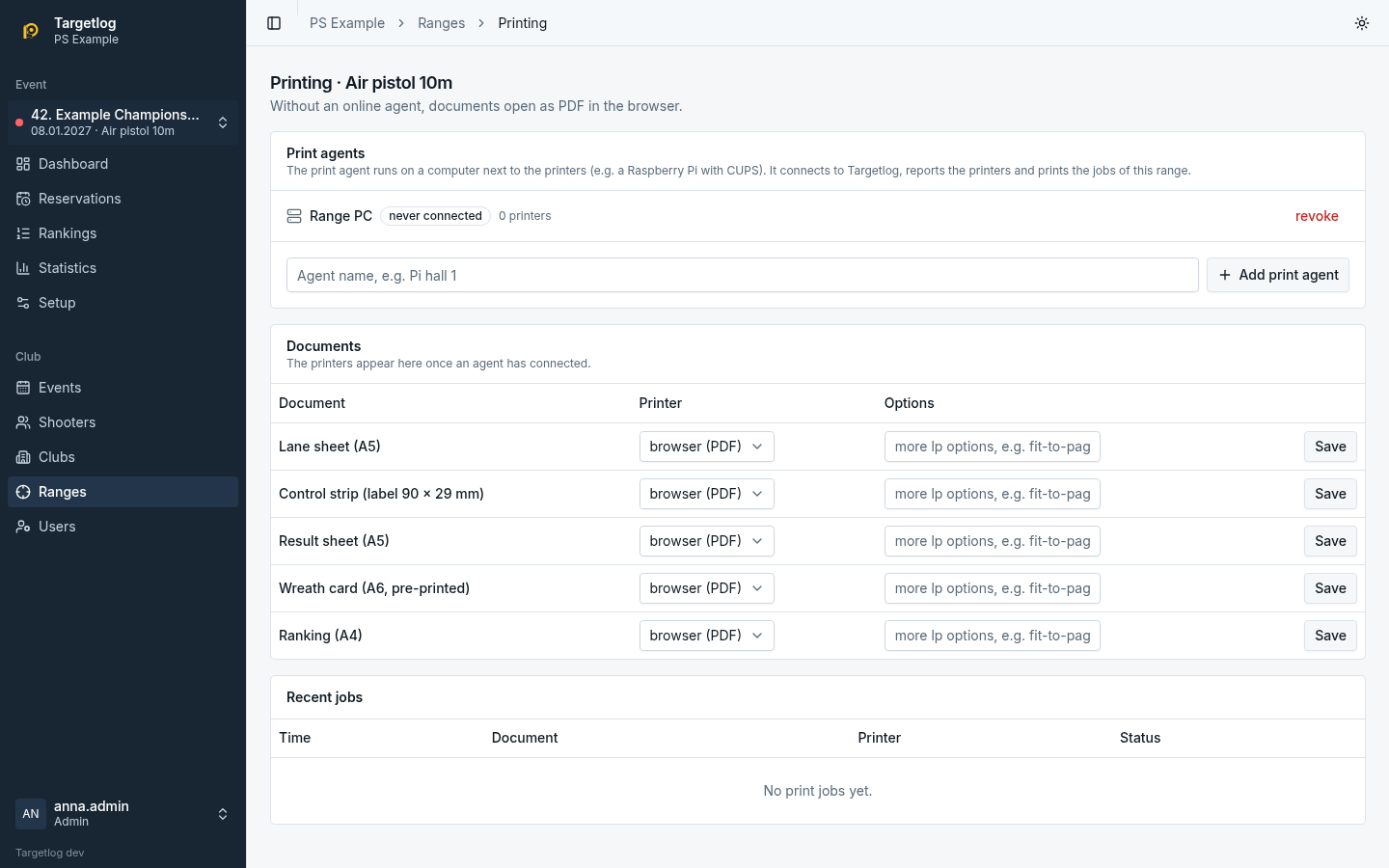
- Add print agent, give it a name and copy the token. Install the agent on a computer next to the printers (see Print agent).
- Once the agent is online, it reports its printers. Choose the printer for each document and its options (tray, paper size, media type, further
lpoptions such asfit-to-page). - Recent jobs shows what was printed and whether it worked.
A job that the agent does not confirm within two minutes is retried; after three attempts it fails. revoke removes an agent immediately.